The Role of Ncedcloud Education System
The Role of Ncedcloud Education System
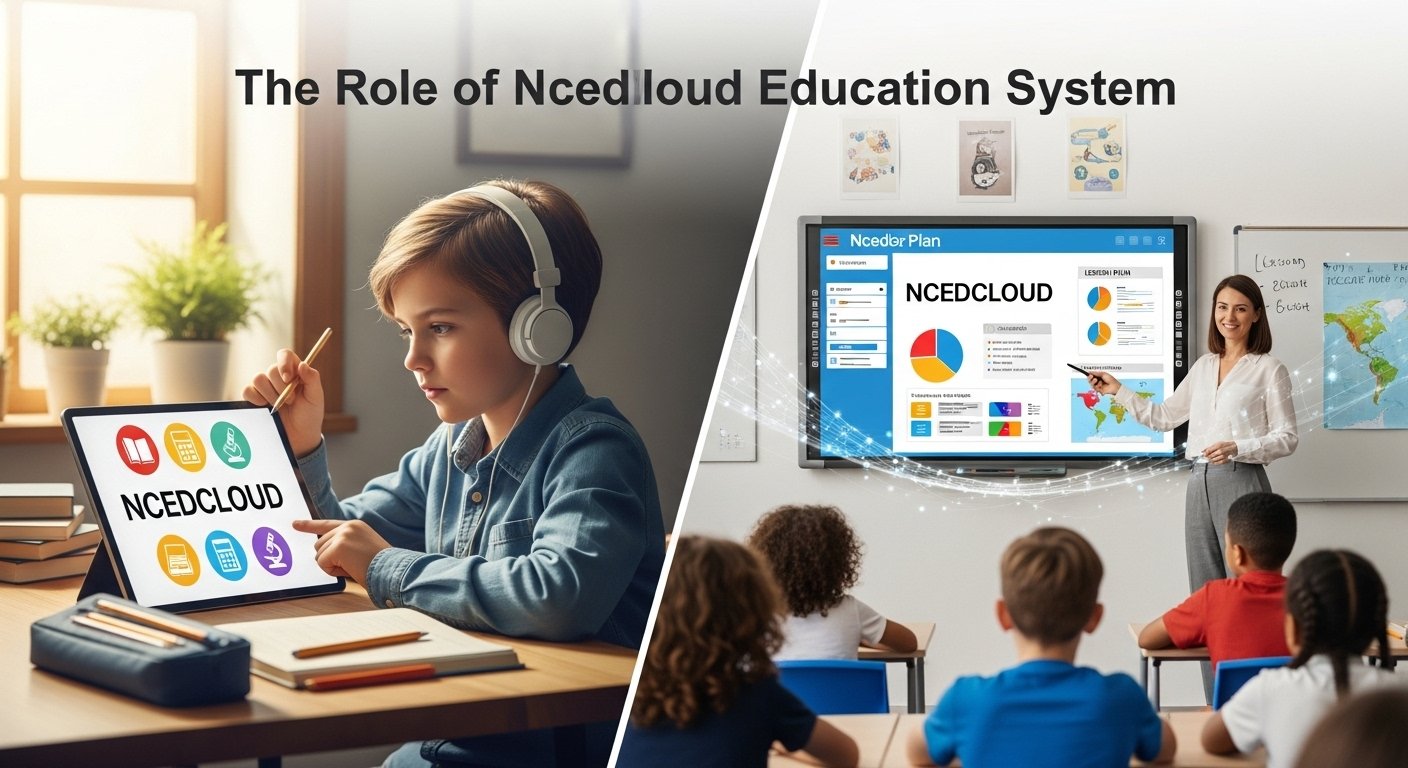
NCEDCloud, also known as the North Carolina Education Cloud, is a secure platform that enables students, teachers, administrators, and staff in North Carolina to access digital learning tools with a single login. It simplifies how users reach different applications and keeps data safe and private, following state and federal rules. The primary goal is to simplify login management by providing a single sign on system. Users log in once and can use many approved educational apps and services without having to sign in again, which saves time and reduces frustration. NCEDCloud serves a wide range of users, including K level to 12 level students, teachers, school and district leaders, and sometimes parents. Each user gets the right level of access based on their role, as set by the school or district, which helps keep the digital environment secure.
The Role of Ncedcloud Education System
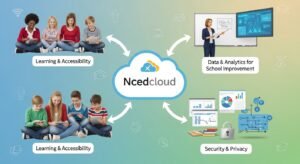
NCEDCloud checks user identities and manages credentials the same way across all connected systems. This reduces the workload for IT staff, who would otherwise have to manage many accounts by hand (About NCEdCloud IAM Service. A key feature is its connection with student information systems and human resources systems. This means user data like grade, school, and staff roles are updated automatically, so access stays accurate all year. This automation cuts down on mistakes, boosts security, and makes sure users get the right tools when they need them, while also removing access quickly if someone leaves a school or district. NCEDCloud also helps with digital equity by giving all students steady access to online resources.
This supports remote, blended, and personalized learning, which is especially important during events like natural disasters or health emergencies. The platform connects to many educational tools, such as learning management systems, assessment tools, digital textbooks, collaboration platforms, and instructional software, making it a central place for digital learning in North Carolina. Security is a top priority. NCEDCloud uses strong encryption, authentication, and access controls to protect sensitive data, and it follows laws like FERPA to handle personal information responsibly. By cutting down on the number of passwords, it also lowers the risk of weak or shared passwords, which can lead to data breaches. Staff and administrators can use multi-factor authentication for extra security.
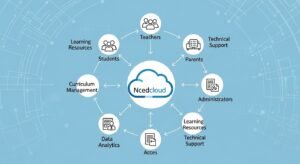
NCEDCloud is built to handle millions of users, so it stays reliable even during busy times like testing or the start of the school year. This reliability is important for keeping teaching and learning on track, since access problems can disrupt classes and administrative work. Teachers spend less time fixing login issues and more time teaching, while students can focus on learning instead of technical problems. Administrators get tools to manage accounts, assign roles, and monitor access, which helps them follow policies and respond quickly to security issues. Centralized reporting lets them track usage, spot security risks, and make informed decisions about technology and resources. NCEDCloud also supports standards that make it easier to add new educational apps, so schools can try new tools without creating more login problems.
This flexibility is key as educational technology keeps changing. The platform also helps teachers with professional development by giving them easy access to training and resources. For students, especially younger ones, having just one login makes using digital tools less confusing and helps build confidence. NCEDCloud supports accessibility by working with apps that offer accommodations for students with disabilities, making sure everyone can use digital resources in a way that fits their needs. The platform also helps with statewide programs by making it easier to roll out digital curricula, assessments, and data collection across districts. This helps leaders evaluate results and plan improvements.
By standardizing access, NCEDCloud helps create a more connected education system in North Carolina, reducing gaps between districts and giving all students access to quality digital resources. To get the most out of NCEDCloud, schools need to implement it well, provide training, and offer ongoing support. Users need to know how to log in, reset passwords, and use connected apps, and schools must keep data integrations working smoothly. Good communication with students, parents, and staff is important, especially during changes like new school years or updates. Regular reviews and updates are needed as security threats and user needs change.
NCEDCloud is a major investment in educational technology, showing a move toward cloud-based solutions that focus on efficiency, security, and user experience. Its impact goes beyond convenience, shaping how teaching and learning happen, how data is managed, and how educational equity is supported across the state. In short, NCEDCloud is more than a login system. It is a key part of North Carolina’s digital education plan, offering secure, easy access to learning tools, reducing administrative work, protecting data, and supporting new teaching methods. All of this helps create a more effective, inclusive, and future-ready education system for everyone.

How to login Ncedcloud system
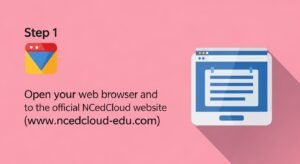
To begin the NCEDCloud login process, you need a device such as a computer, laptop, tablet, or smartphone with a stable internet connection. NCEDCloud works on most modern web browsers, including Google Chrome, Microsoft Edge, Firefox, and Safari. For the best experience, schools often recommend using an updated browser, as outdated browsers may cause login issues or prevent some applications from loading properly. Once your device and internet connection are ready, open your web browser and go to the official NCEDCloud login page provided by your school or district. Many schools share the login link on their website, student portals, or learning management systems.
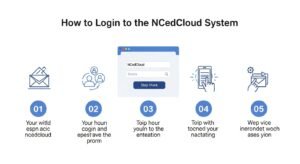
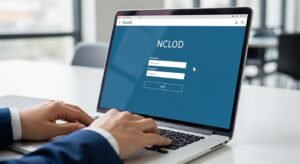
On the NCEDCloud login page, you will see fields asking for your username and password. These login credentials are usually provided by your school. For students, the username is often linked to their student ID number, school email, or a unique username assigned during enrollment. Teachers and staff members are typically given credentials connected to their employee records. It is important to enter your username exactly as given, including any numbers, symbols, or required capitalization, because the system is case-sensitive and will not recognize incorrect entries.
After entering your username, type your password carefully in the password field. Passwords are also case-sensitive, so make sure that the Caps Lock key is turned off unless your password requires uppercase letters. Schools usually set password rules that include a combination of letters, numbers, and sometimes special characters to improve security. If this is your first time logging in, your school may require you to change your temporary password to a new one. Follow the on-screen instructions to create a strong password that you can remember but others cannot easily guess.
Once you have entered your username and password, click the “Sign In” or “Login” button. If your credentials are correct, you will be successfully logged in to NCEDCloud and redirected to your dashboard. The NCEDCloud dashboard is the main screen where you can see icons or links to various educational applications approved by your school or district. These may include learning management systems, digital textbooks, assessment platforms, library resources, and communication tools. With a single click, you can open these applications without logging in again, thanks to NCEDCloud’s single sign-on feature.
Sometimes, additional security steps may be required, especially for teachers, administrators, or staff members. This may include multi-factor authentication, where you must verify your identity using a code sent to your email, phone, or authentication app. If prompted, follow the instructions carefully to complete the verification process. This extra step helps protect sensitive data and prevents unauthorized access to school systems.
If you forget your NCEDCloud password, do not panic. Most NCEDCloud login pages include a “Forgot Password” or “Reset Password” option. Clicking this link will guide you through the password recovery process. You may be asked to answer security questions, receive a verification code, or contact your school’s IT department. Students often need a teacher or school administrator to reset their password, especially younger learners. It is always best to follow your school’s official procedure for password recovery to avoid delays.
Login problems can occur for several reasons, such as entering incorrect credentials, using an unsupported browser, or experiencing internet connectivity issues. If you are unable to log in, first double-check your username and password for typing errors. Make sure your internet connection is working properly and try refreshing the page or restarting your browser. Clearing your browser cache or trying a different browser can also help resolve technical issues. If the problem continues, contact your school’s technical support team or IT help desk for assistance.
For students, logging in to NCEDCloud is usually a daily routine, as it provides access to online classes, homework assignments, quizzes, and learning resources. Teachers rely on NCEDCloud to manage lesson plans, track student progress, communicate with students and parents, and access professional development materials. Because so many educational activities depend on NCEDCloud, keeping your login credentials secure is very important. Never share your username or password with others, and always log out when using a shared or public device.

Related Posts

Oxford Acceptance Rate 2026

USA Top Scholarship for International Students in 2026